Ready-to-use templates
Designs made for the HTML to image and HTML to PDF tools. Pick a template, hit Copy HTML and paste it into the Body of your request (in n8n, Make or your code). Swap the sample text for your own, or your flow's variables, and your image or PDF is ready. We keep adding new templates.
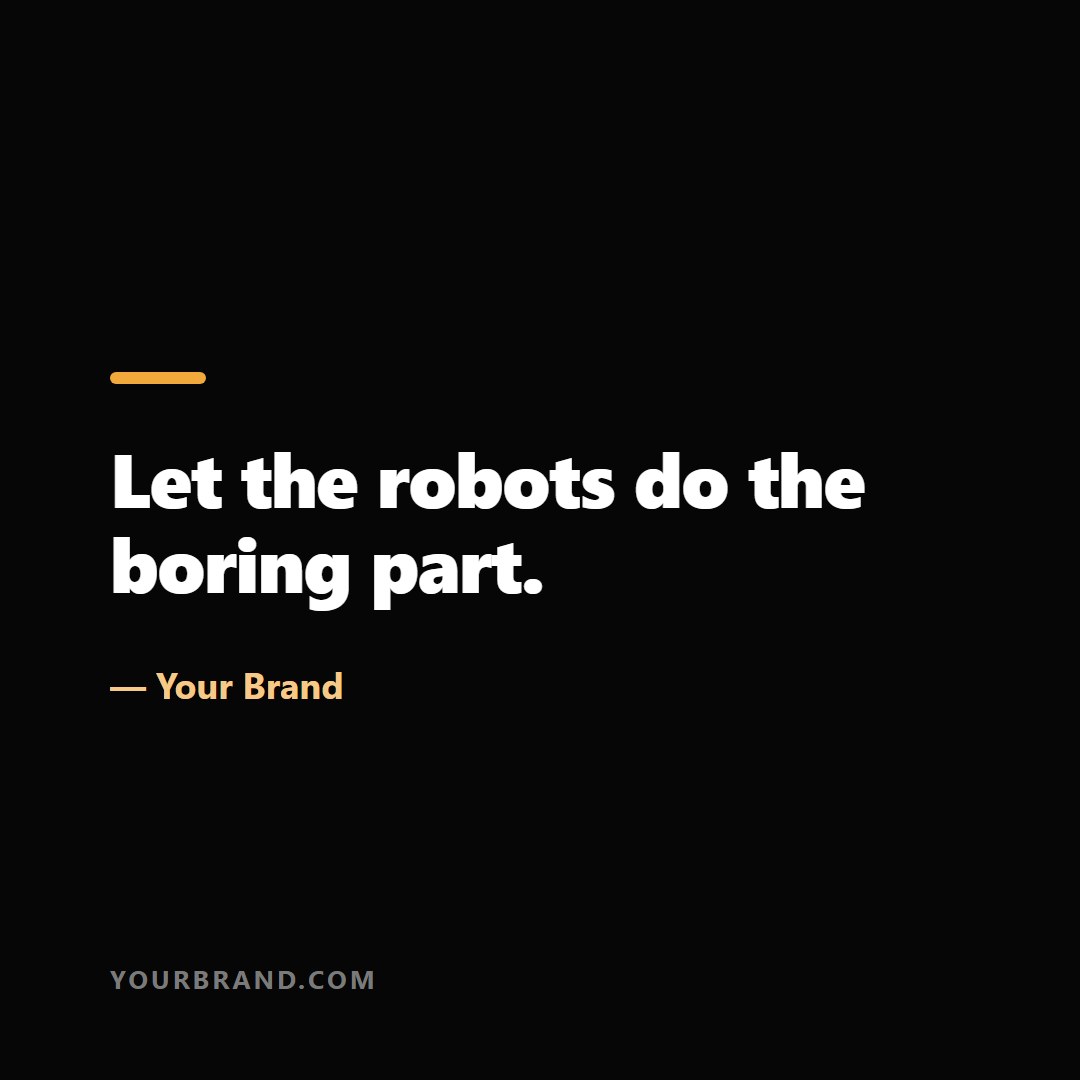
Social card
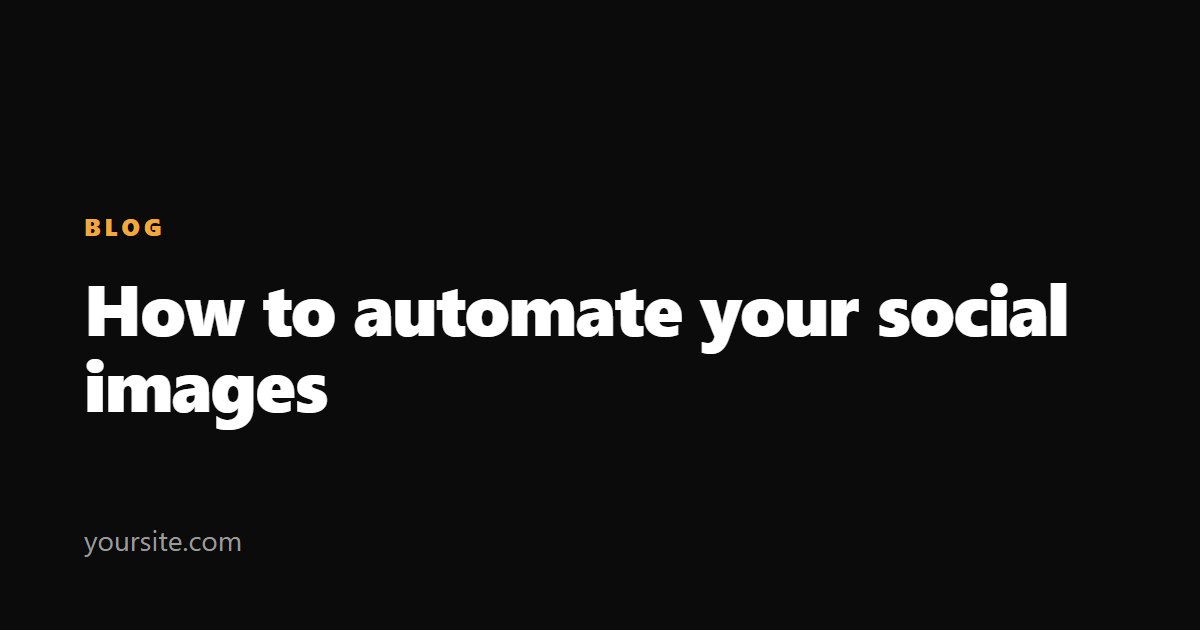
Open Graph image
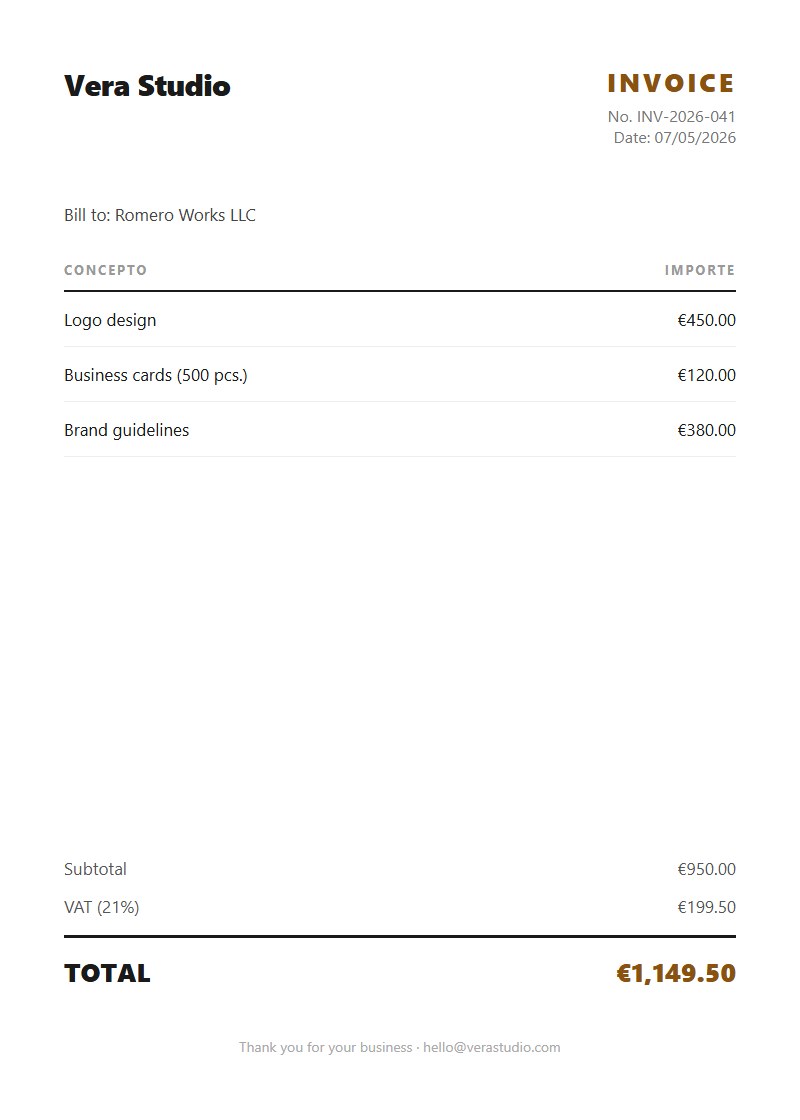
Invoice
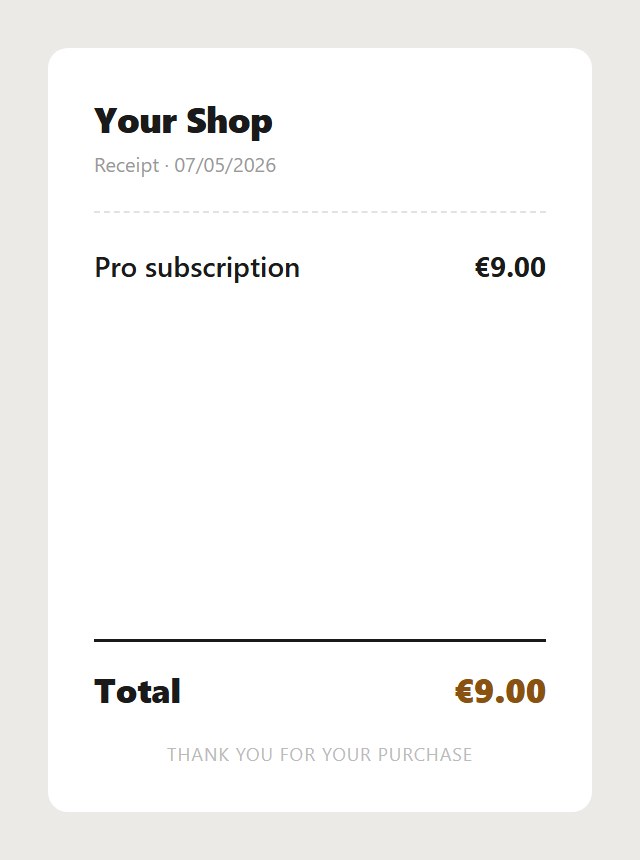
Receipt / ticket
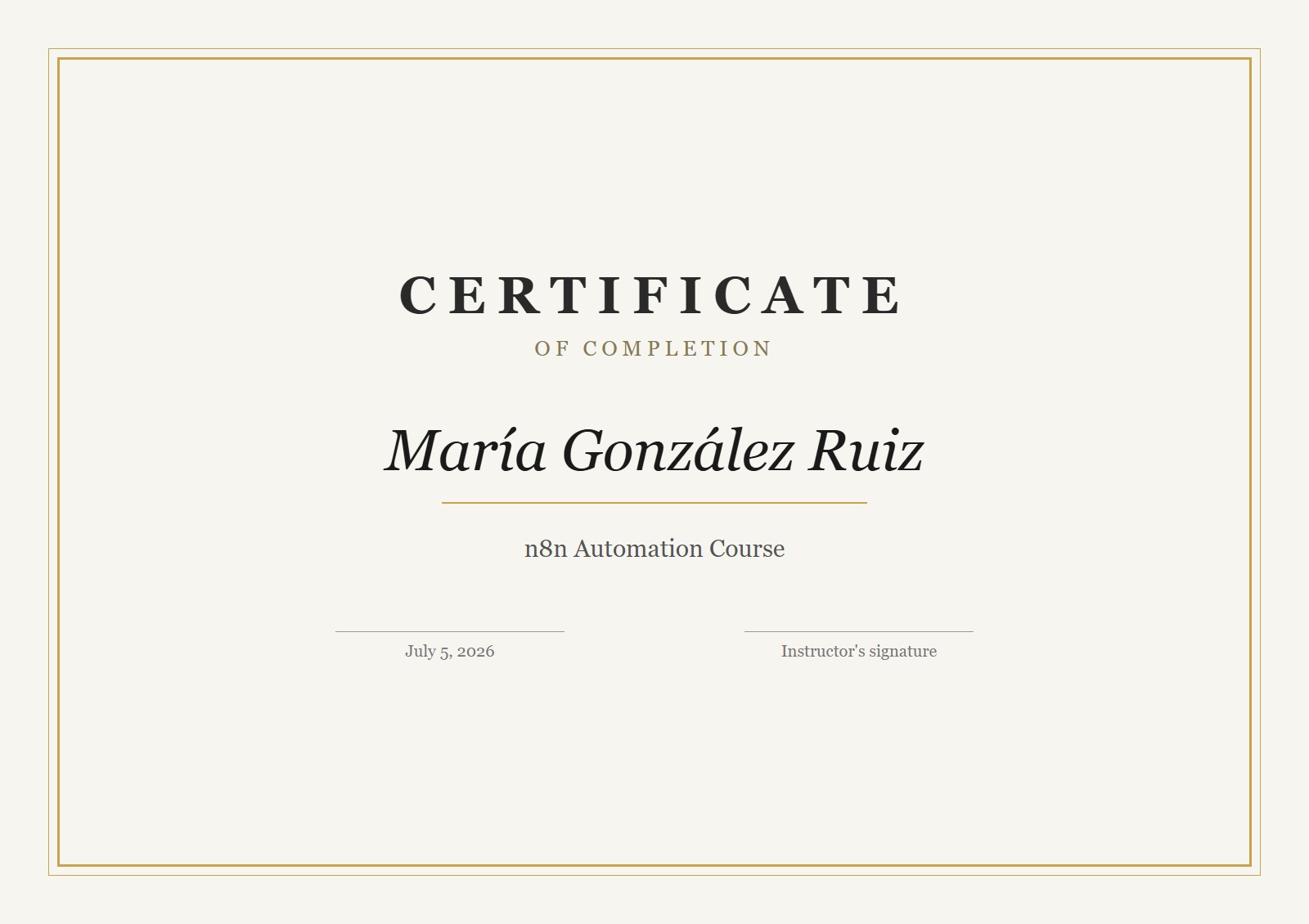
Certificate

YouTube thumbnail
How to use them
- Hit Copy HTML on the template you want.
- Paste it into the Body of your HTTP Request node (n8n, Make…) pointing at the HTML to image or HTML to PDF API.
- Swap the sample text for your own. In n8n you can inject your data with expressions, e.g.
{{ $json.title }}.
The designs use system fonts and load nothing from the internet. The full recipe, field by field, is in the instructions.